Craftshot is a free App Store and Google Play screenshot generator. Drop in your app screenshots. Craftshot frames each one with a device bezel, background and headline, and exports them at the exact sizes App Store Connect and Play Console accept. Runs in your browser, no install needed.
Real Google Play screenshots of our own Screen Recorder app, framed with Craftshot. No design tool involved.
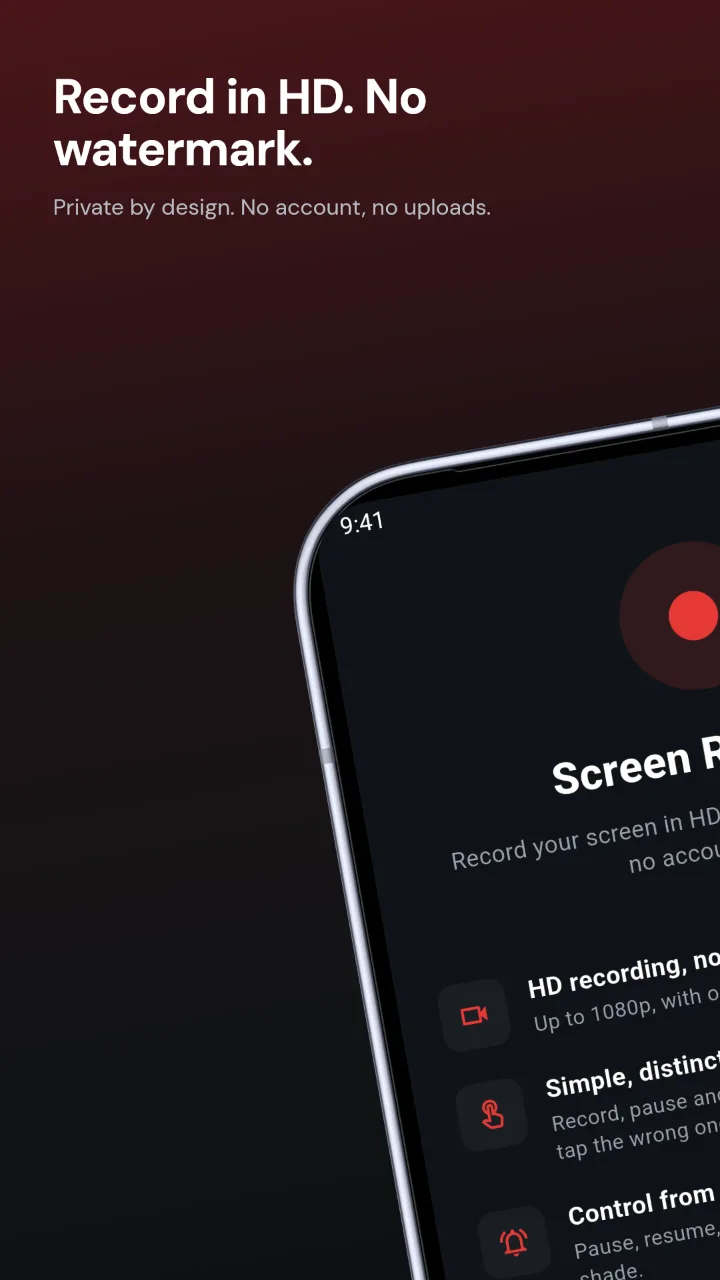
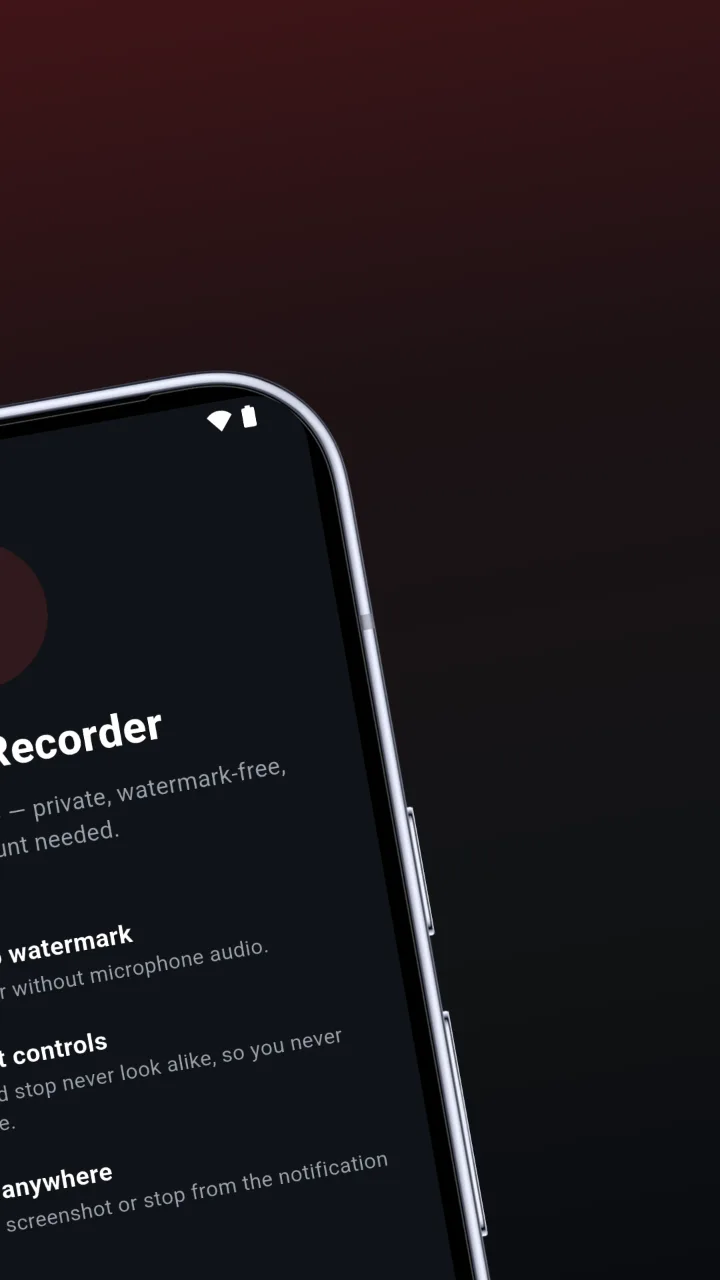
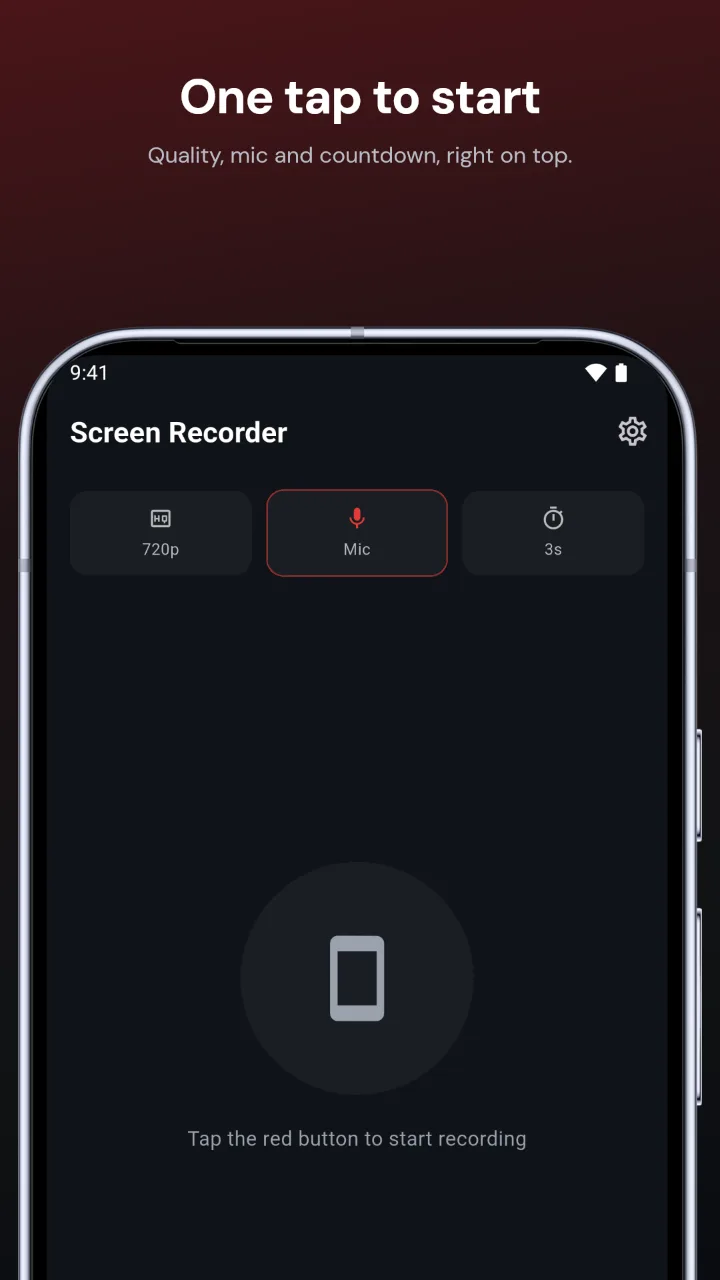
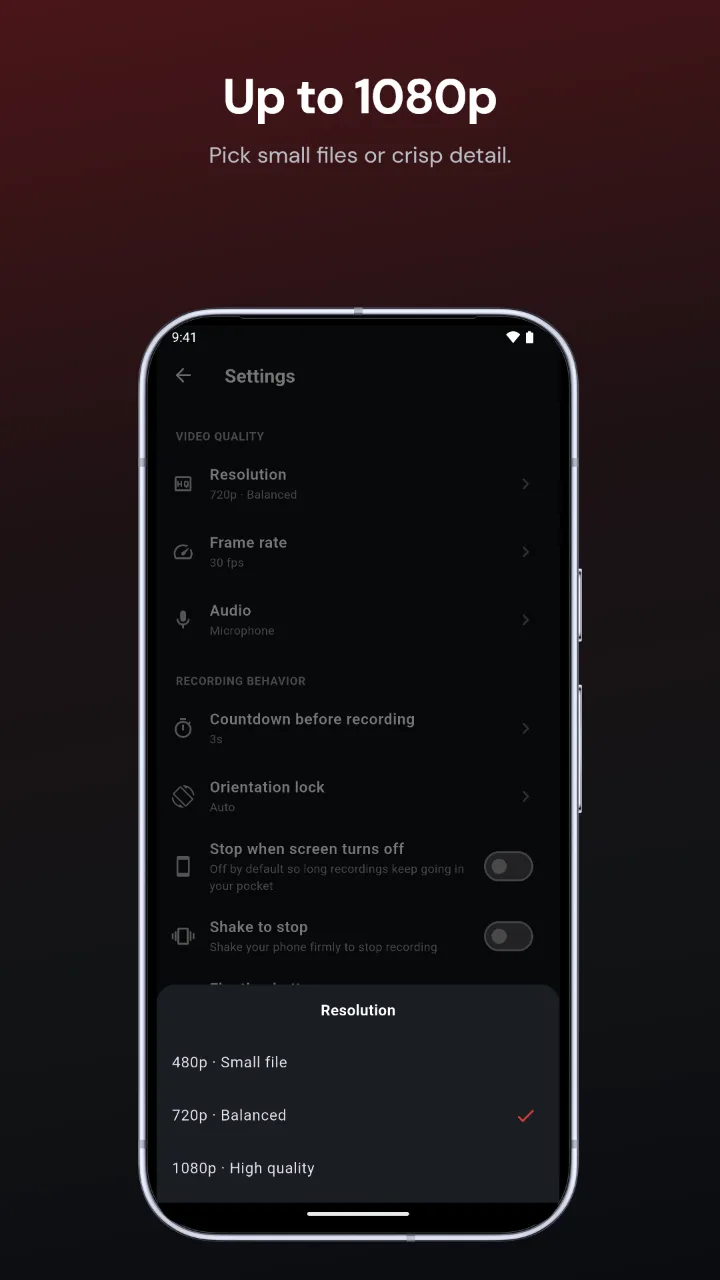
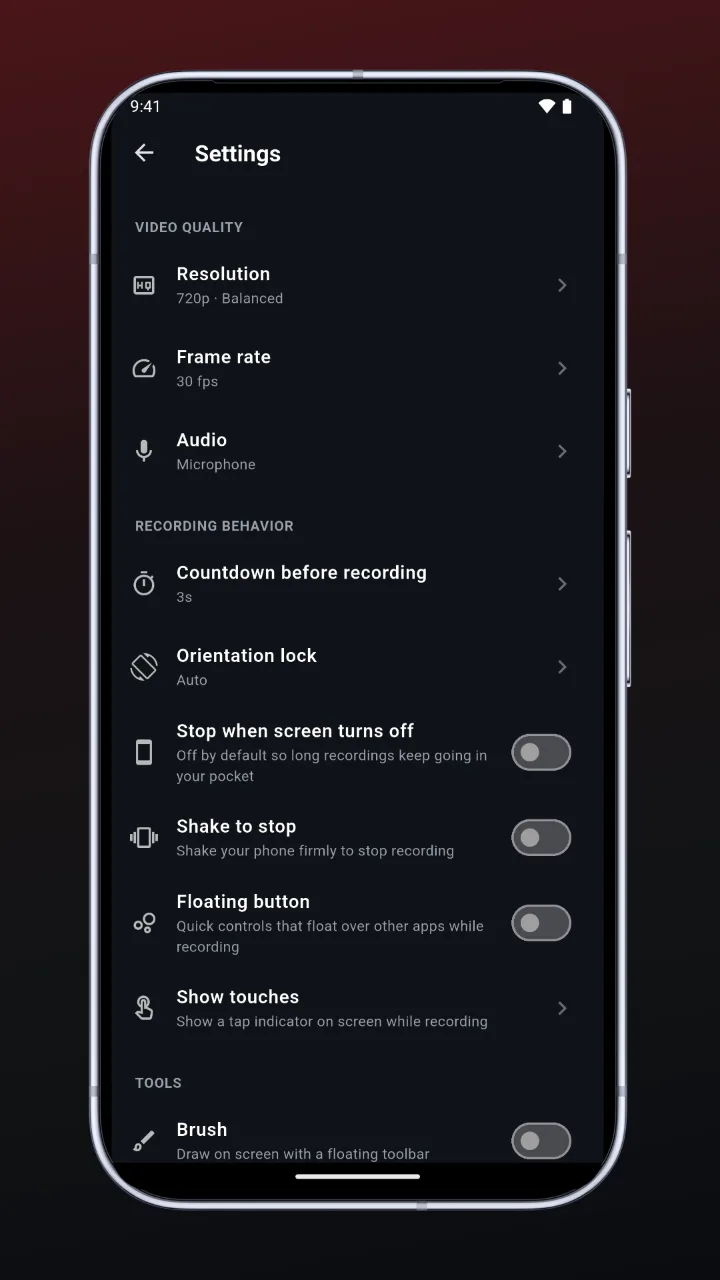
Pixel 10 Pro, 1080 × 1920. Drag or scroll sideways to see all five.
Screenshots for iPhone, iPad and Android, at the exact sizes App Store Connect and Play Console accept.
Add your screenshots and Craftshot recognizes the device from their size and puts them in place.
iPhone 17 Pro, iPad Pro 13" and Pixel 10 Pro bezels, backgrounds, headlines, and templates from editorial to panorama.
Write the copy yourself or let AI draft headlines from your screenshots, then move and size each line on the canvas.
Every PNG comes out at the size the store asks for, so the upload goes through the first time.
Tweak devices, backgrounds, fonts and per-tile copy, and download exactly what you see.
Your screenshots stay in your browser. Nothing is uploaded to us.
From raw screenshots to store-ready images in a few minutes.
Exported at the sizes each store requires.
1320 × 28682064 × 27521080 × 1920Free to start, no account needed. Your screenshots stay in your browser. A Pro key lifts the limits.
Prices in USD; taxes calculated at checkout by Dodo Payments. Buy from the editor's Upgrade button, then enter the license key from your email. Activations: each browser (and browser profile) where you use the editor counts as one. Free an activation with Remove in the editor. Subscriptions renew automatically; cancel any time and keep Pro until the period ends. Purchases are not refundable, so try Free first (refund policy).
Open the editor, drop in your screenshots and download store-ready images. Free to start.
Create screenshots online → Craftshot