 Craftshot
App Store screenshot generator
Turn plain iPhone screenshots into App Store images with a device frame, a background and a headline. Craftshot runs in your browser and exports at the exact size App Store Connect asks for.
Free for up to 3 screenshots · no account · nothing uploaded
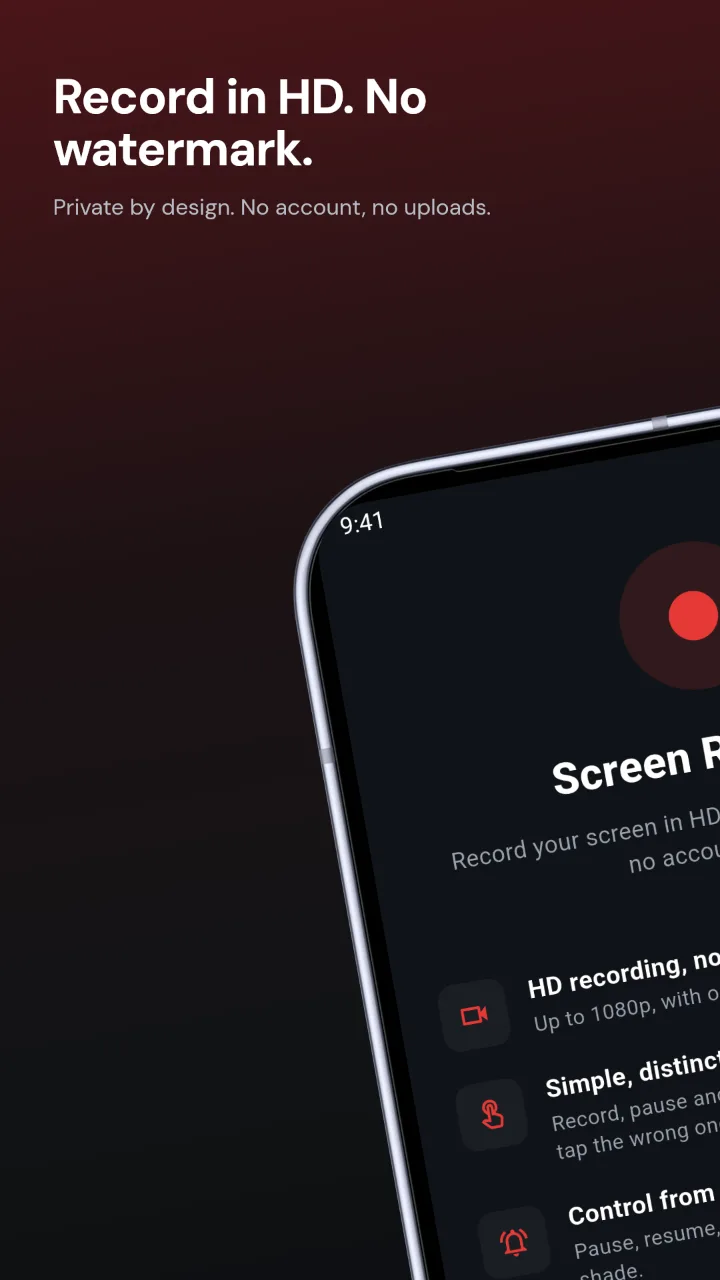
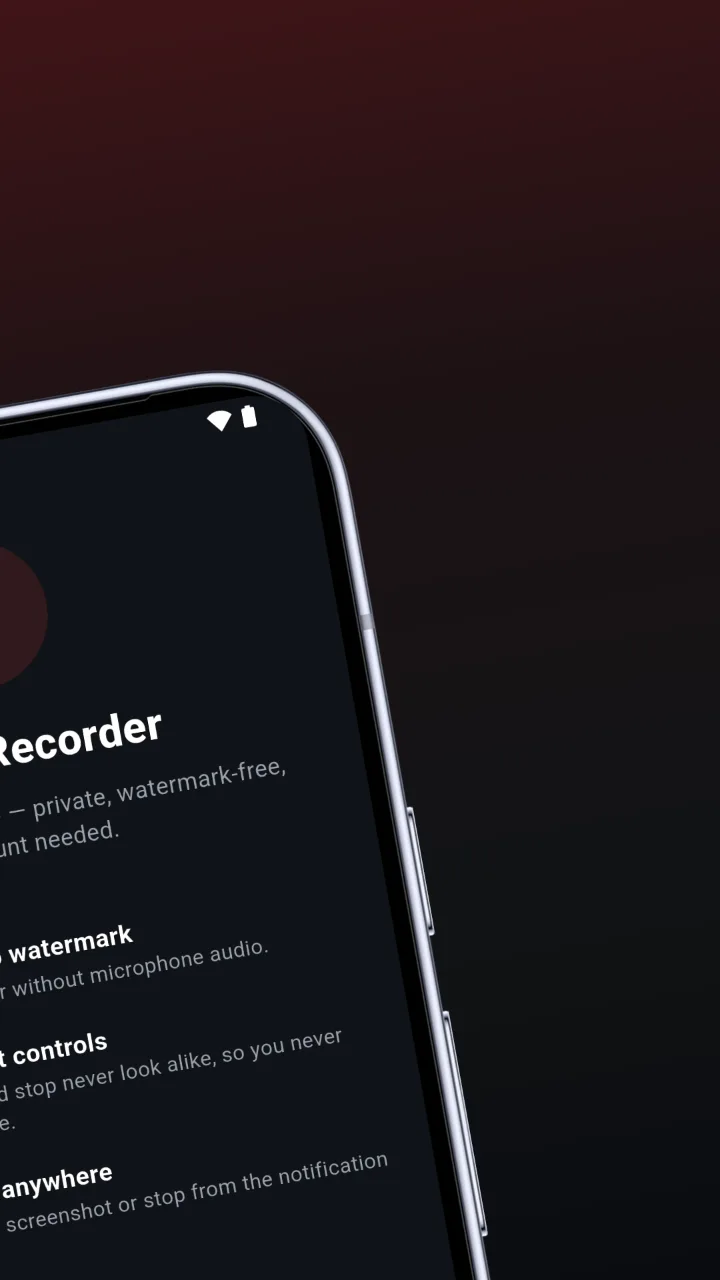
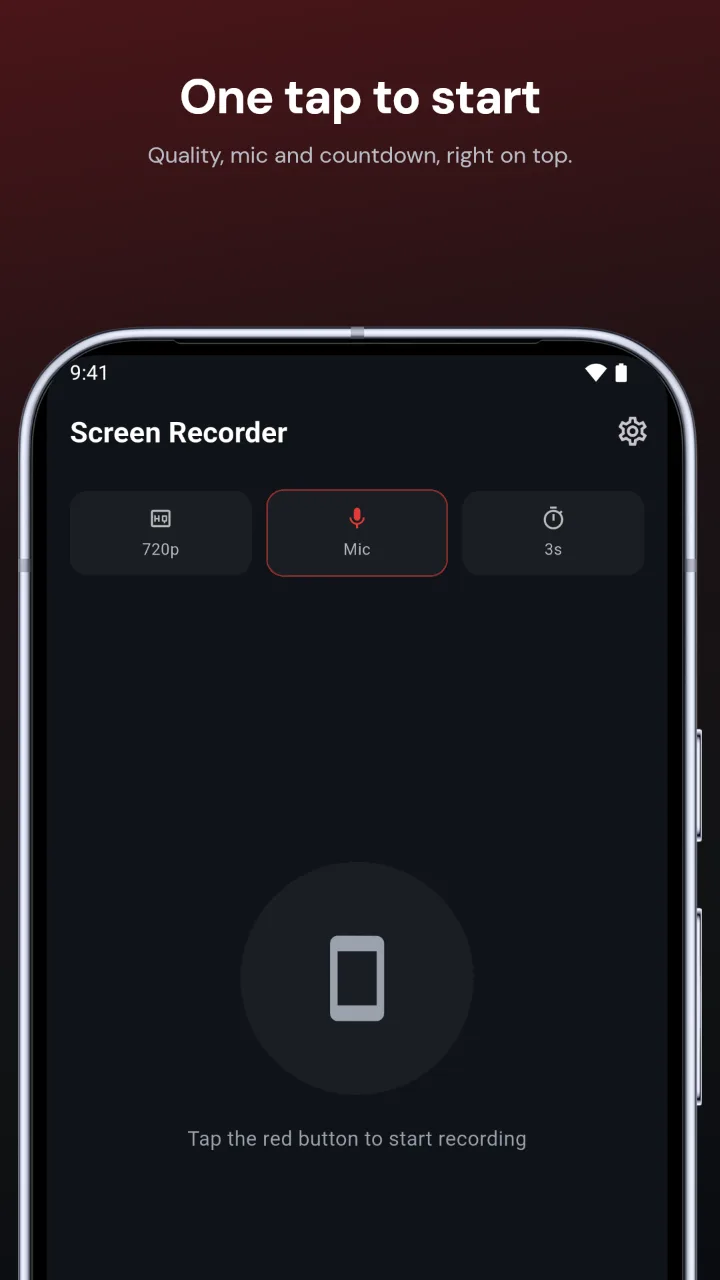
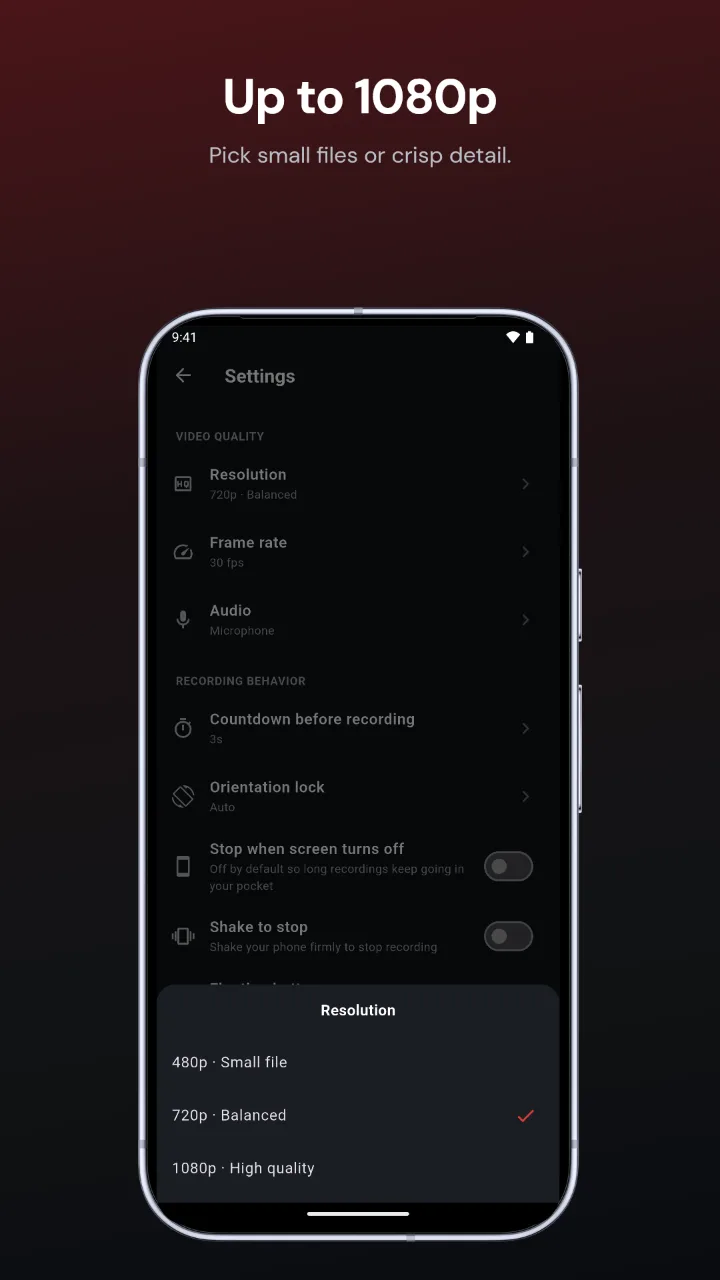
Real store screenshots of our own Screen Recorder app, made with Craftshot.
How to make App Store screenshots
- Add your screenshots. Take them in the iOS Simulator or on your iPhone and drop them in. Craftshot sees from the size that they are iPhone screenshots.
- Pick a look. One click sets the background, font, colours and layout for the whole set. Change any of it afterwards.
- Write the headlines. One short benefit per screenshot, typed on the canvas, or drafted by AI from your screenshots.
- Download. PNGs at 1320 × 2868, the iPhone 6.9" size, ready to upload to App Store Connect.
What you get
- iPhone 17 Pro frames in silver, deep blue and cosmic orange, or any tint you pick
- Gradient and solid backgrounds, including one gradient running across the whole set
- Layouts from a simple centred phone to tilted, zoomed and two-phone panoramas
- Shapes, doodles and icon themes behind the phone, each one movable
- Your screenshots stay in your browser. Nothing is uploaded to us.
The size Apple asks for
App Store Connect needs screenshots for the 6.9" iPhone display if your app runs on iPhone: 1320 × 2868 pixels in portrait. Apple scales them down for smaller iPhones. You can upload up to 10 per language. See the full sizes guide for iPad and Google Play.
FAQ
Is it free?
Yes. You can make and download up to 3 screenshots for one device for free, with every background, font and style. Pro lifts the limit to 10 screenshots and exports iPhone, iPad and Android in one download.
Do I need to install anything or sign up?
No. Craftshot runs in the browser at craftshot.dev/create. There is no account.
What size are the exported App Store screenshots?
1320 × 2868 pixels, the 6.9" iPhone size App Store Connect asks for. Apple scales them for smaller iPhones.
Are my screenshots uploaded anywhere?
No. They stay in your browser, and the PNGs are rendered on your own computer.
Can I make iPad and Android screenshots too?
Yes. Craftshot also exports iPad 13" (2064 × 2752) and Google Play phone (1080 × 1920) screenshots.