Craftshot drives your app on an iOS simulator or Android emulator, frames every capture with a device bezel, background and headline, stitches the preview video, and checks it all against the store upload rules. Already have screenshots? Drop them into the online editor, no install needed.
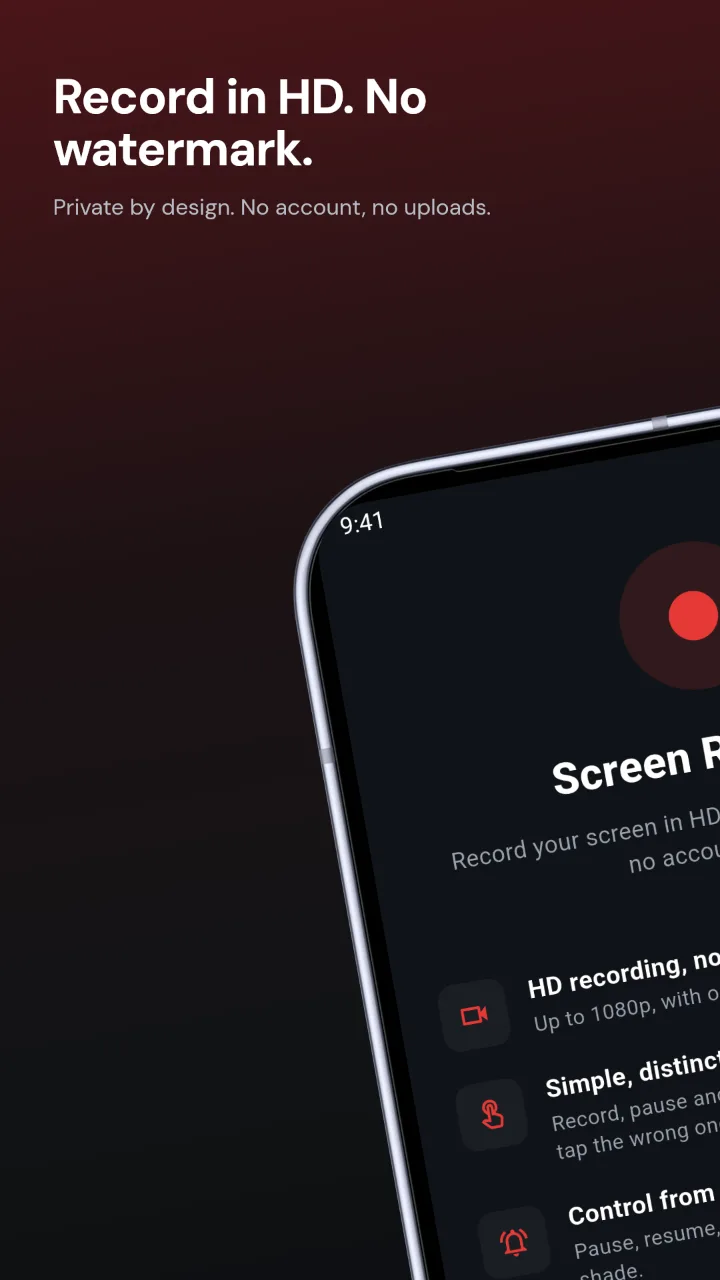
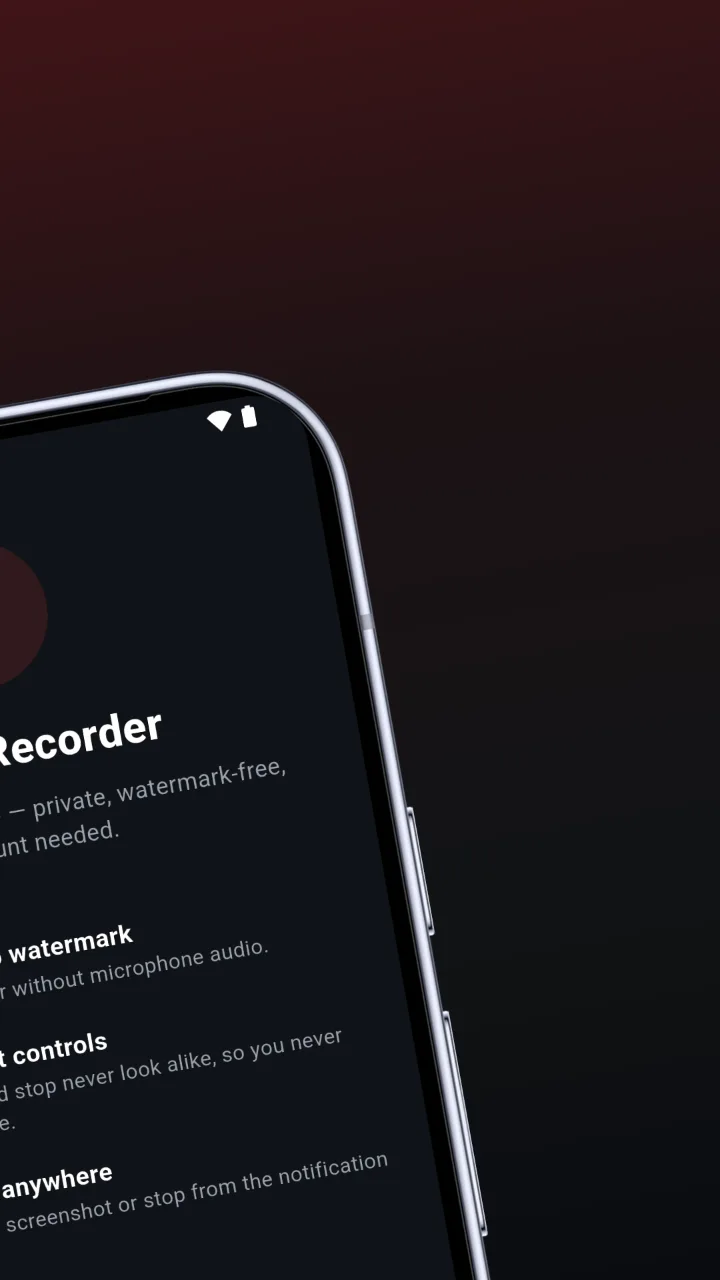
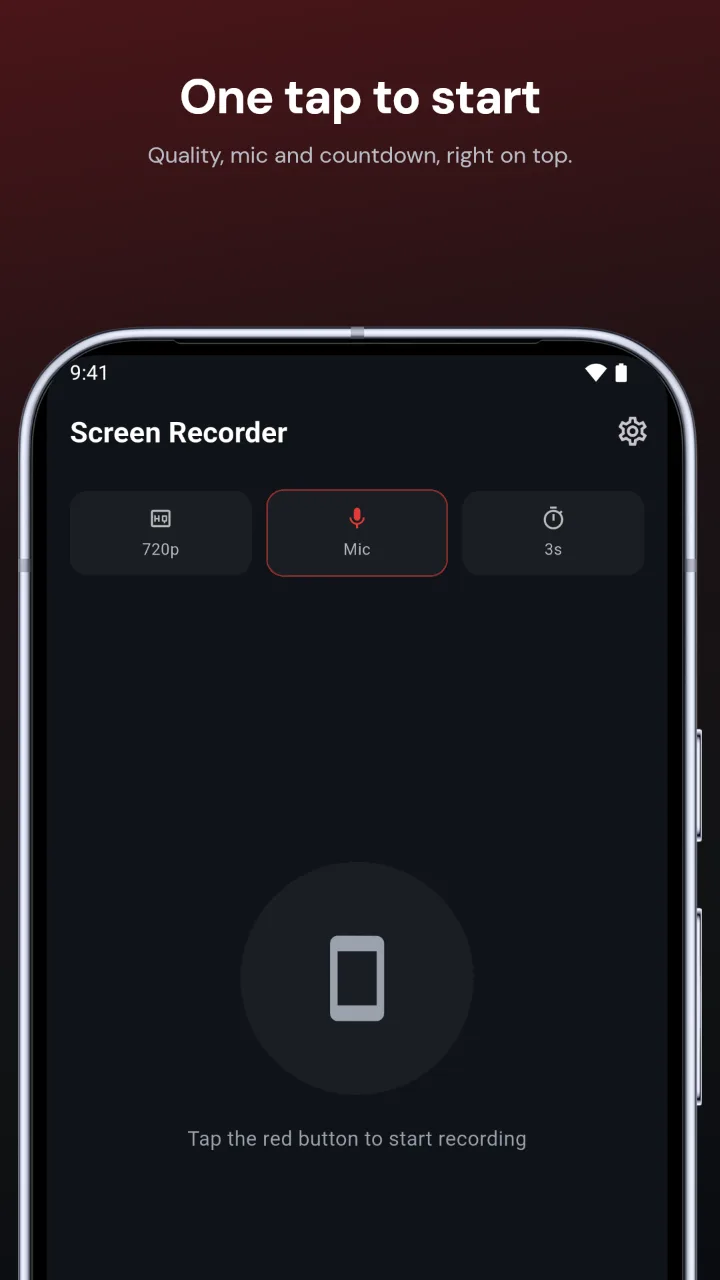
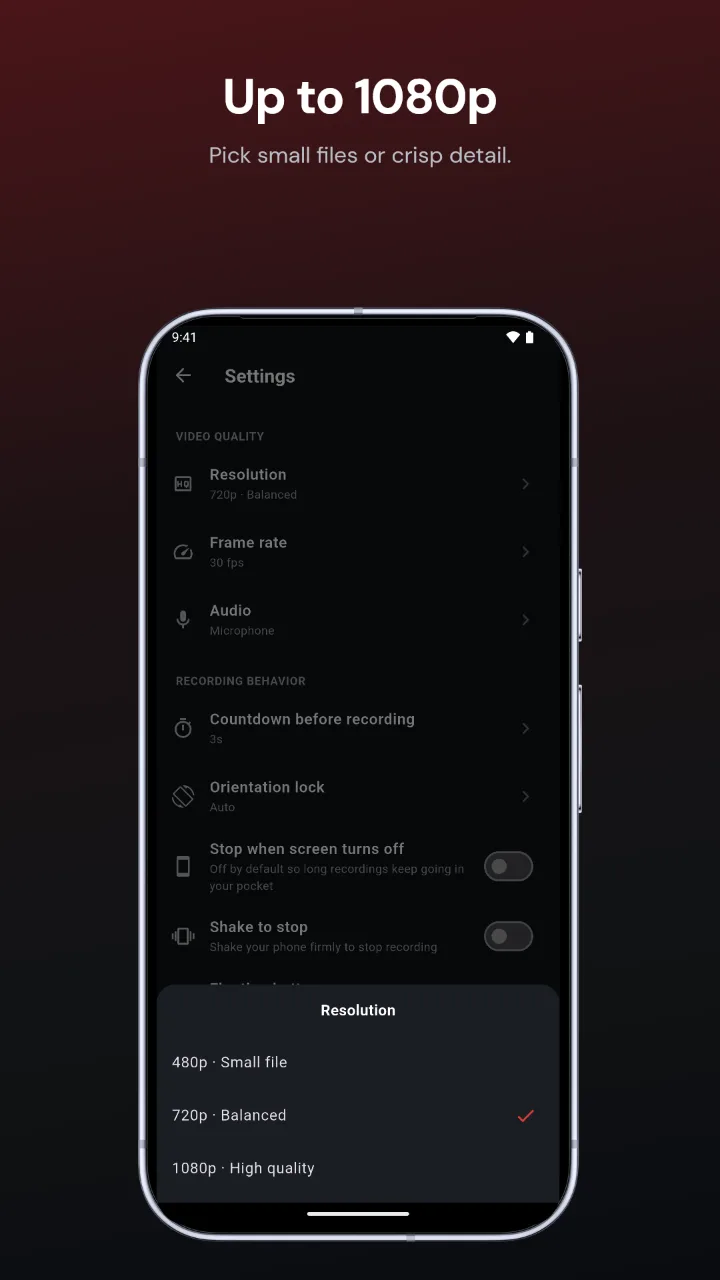
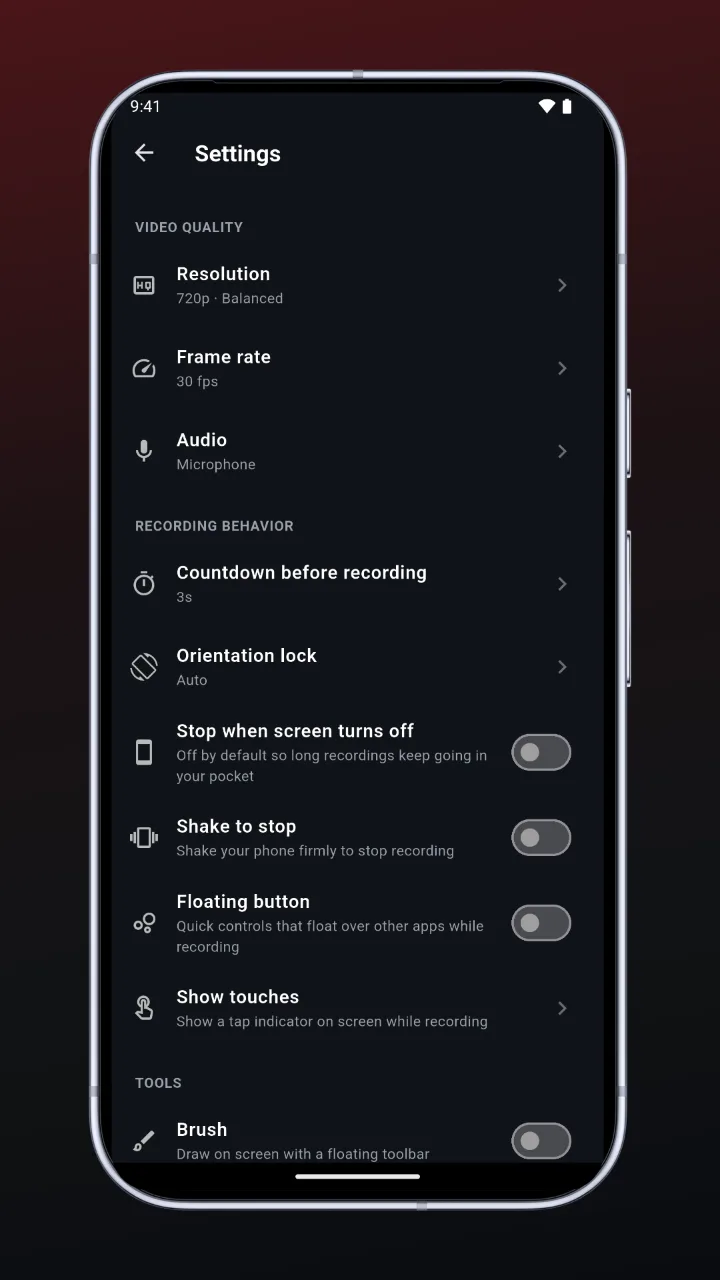
Real Google Play screenshots of our own Screen Recorder app. The flows, copy and framing came from one prompt to a coding agent; no design tool involved.
Pixel 10 Pro, 1080 × 1920, captured on an Android emulator with craftshot all. Scroll sideways to see all five.
One config, one command. Screenshots and preview videos for iPhone, iPad and Android, at the exact sizes App Store Connect and Play Console accept.
Replays recorded flows on a simulator or emulator, so every screenshot shows your real app with a pinned 9:41 status bar.
iPhone 17 Pro, iPad Pro 13" and Pixel 10 Pro bezels, backgrounds, headlines, and templates from editorial to panorama.
Records flow segments and joins them into an H.264 App Store preview inside Apple's 15–30 second window.
Verifies sizes, formats and durations against the store rules before you upload, not after a rejection.
Tweak devices, backgrounds, fonts and per-tile copy in the browser. The CLI renders exactly what you see.
SwiftUI, UIKit, Jetpack Compose, Flutter, React Native, Kotlin Multiplatform. It drives the device, not your code.
Ask your coding agent from your app repo. It does the rest, and follow-ups edit the same files.
# in your app repo, ask your agent: create app store screenshots using craftshot # or run it by hand: $ craftshot doctor # check tools, simulators, flows $ craftshot all # capture, frame, preview, verify $ craftshot studio # preview and tweak in the browser
Written to out/screenshots/<device>/<locale>/ and out/previews/<device>/<locale>/.
| Device | Screenshots | Preview video |
|---|---|---|
| iPhone 6.9" | 1320 × 2868 | 886 × 1920 H.264 |
| iPad 13" | 2064 × 2752 | 1200 × 1600 H.264 |
| Google Play phone | 1080 × 1920 | Portrait video for YouTube |
Framework agnostic, agent agnostic.
Free to start in the online editor and the CLI, no account needed. Your screenshots stay on your machine. One Pro key lifts the limits in both.
Prices in USD; taxes calculated at checkout by Dodo Payments. Buy from the editor's Upgrade button, then enter the license key from your email. In the CLI, run craftshot activate <key>; in CI, set CRAFTSHOT_LICENSE_KEY. Activations: each browser where you use the editor counts as one, and each computer where you run craftshot activate counts as one, so one browser plus the CLI on the same PC uses 2. The CLI in CI (CRAFTSHOT_LICENSE_KEY) uses none. Free an activation with Remove in the editor or craftshot deactivate. Subscriptions renew automatically; cancel any time and keep Pro until the period ends. Purchases are not refundable, so try Free first (refund policy).
Needs Node 20+ and ffmpeg. App Store screenshots need macOS with Xcode simulators. Google Play screenshots need an Android emulator (macOS, Linux or Windows).
# the CLI $ npm i -g craftshot # then check your setup $ craftshot doctor # Pro: unlock with your license key $ craftshot activate <key>