 Craftshot
Google Play screenshot generator
Make Play Store screenshots with a Pixel 10 Pro frame, a background and a headline, right in your browser, and download them at a size Play Console accepts.
Free for up to 3 screenshots · no account · nothing uploaded
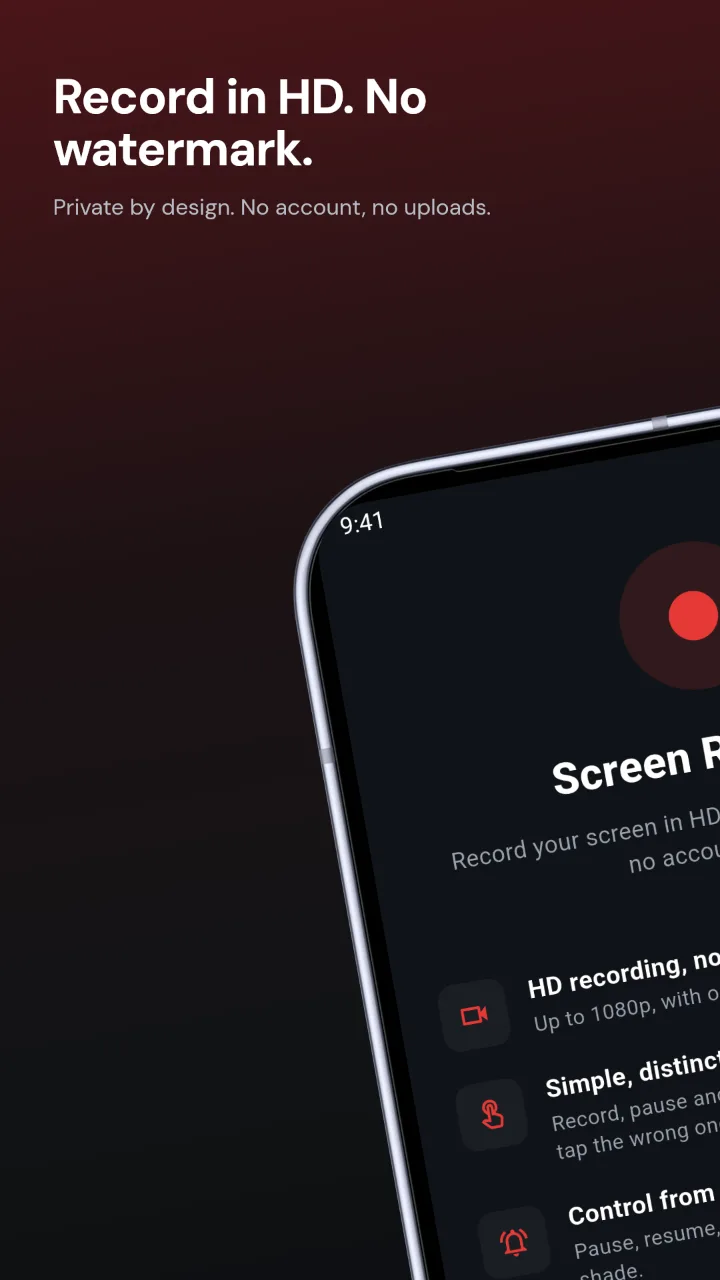
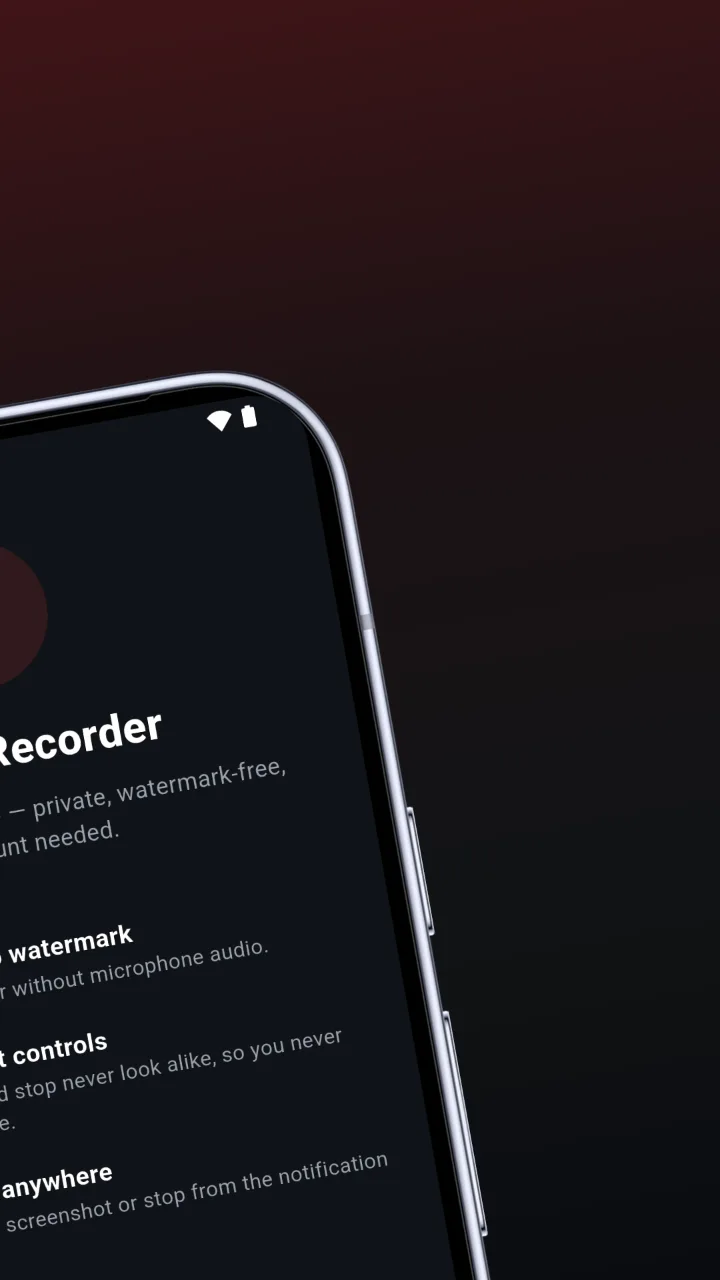
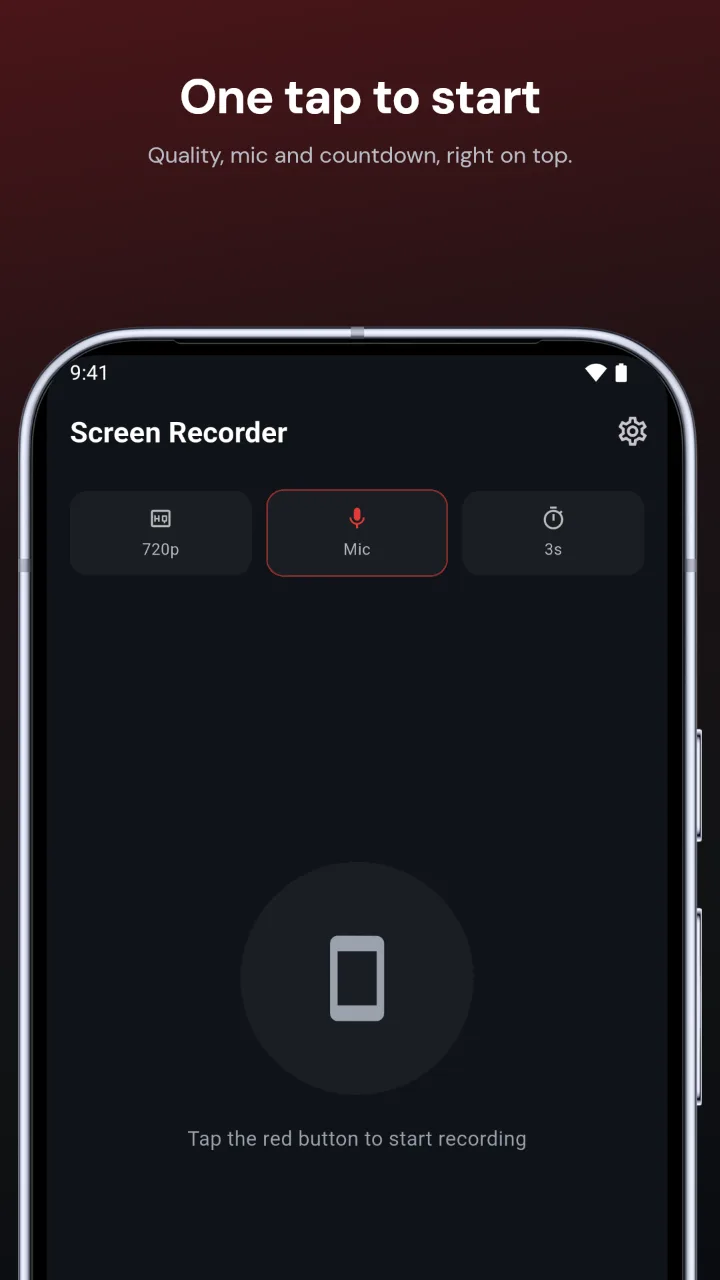
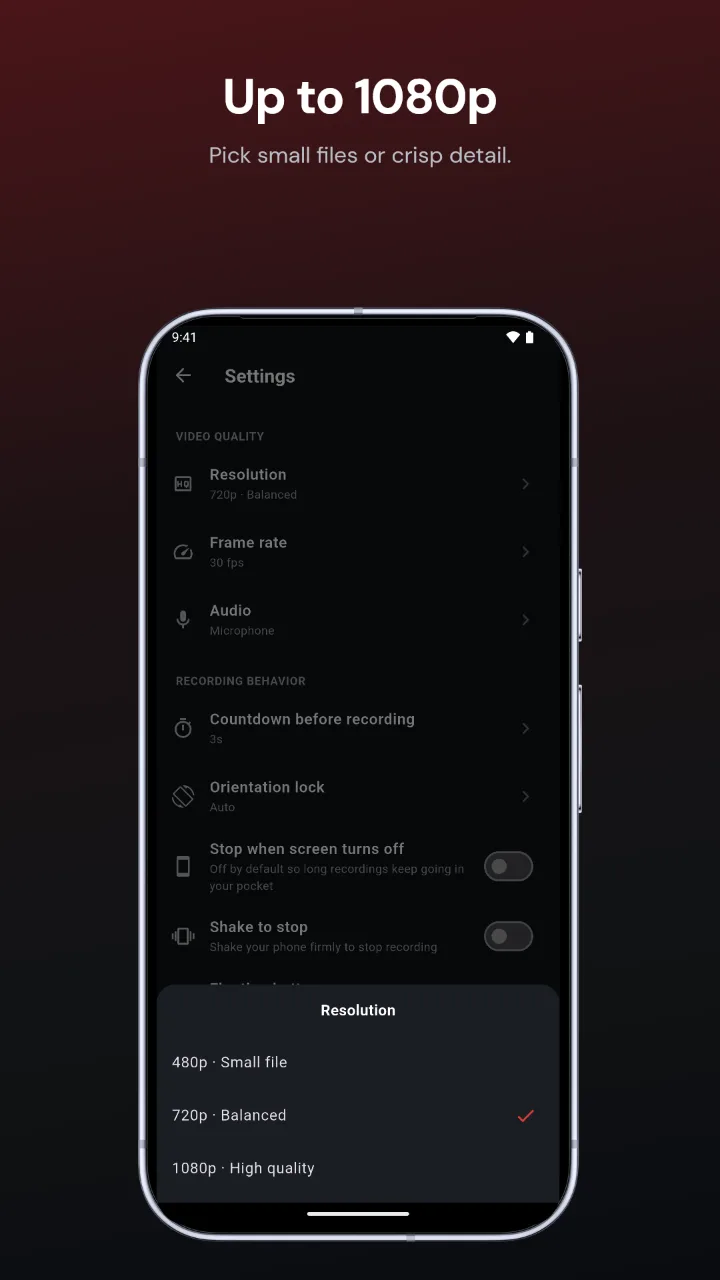
Real store screenshots of our own Screen Recorder app, made with Craftshot.
How to make Google Play screenshots
- Add your screenshots. From the Android emulator or your phone. Craftshot puts them on the Android tab.
- Pick a look. Background, font, colours and layout in one click, all editable.
- Write the headlines. Short benefits on each screenshot, typed or drafted by AI.
- Download. 1080 × 1920 PNGs in portrait 9:16, ready for Play Console.
Google Play screenshot rules
- JPEG or 24-bit PNG, with no transparency.
- Each side between 320 and 3,840 pixels, and the long side no more than twice the short side.
- At least 2 screenshots, and up to 8 per device type.
- Google recommends at least 4 screenshots of 1080 px or more for your app to be eligible for some promoted placements.
Craftshot's 1080 × 1920 export meets all of these. Use a solid or gradient background rather than "Transparent" for Play, since Play rejects images with transparency. Google's own rules are in the Play Console help.
Panoramas that span two screenshots
Store pages show screenshots side by side, so one wide image split across two screenshots reads as one scene. Craftshot's panorama layouts do this for you, like the first two examples above.
FAQ
What size should Google Play screenshots be?
Portrait 9:16 at 1080 × 1920 is the safe choice. Play accepts 320 to 3,840 px per side, with the long side at most twice the short side.
How many screenshots does Google Play allow?
At least 2 and up to 8 per device type.
Is it free?
Yes, for up to 3 screenshots for one device. Pro allows up to 10 and exports Android, iPhone and iPad in one download.
Does Craftshot make the feature graphic?
Not yet. The feature graphic is a separate 1024 × 500 image Play Console asks for.
Do my screenshots get uploaded?
No. Everything happens in your browser.